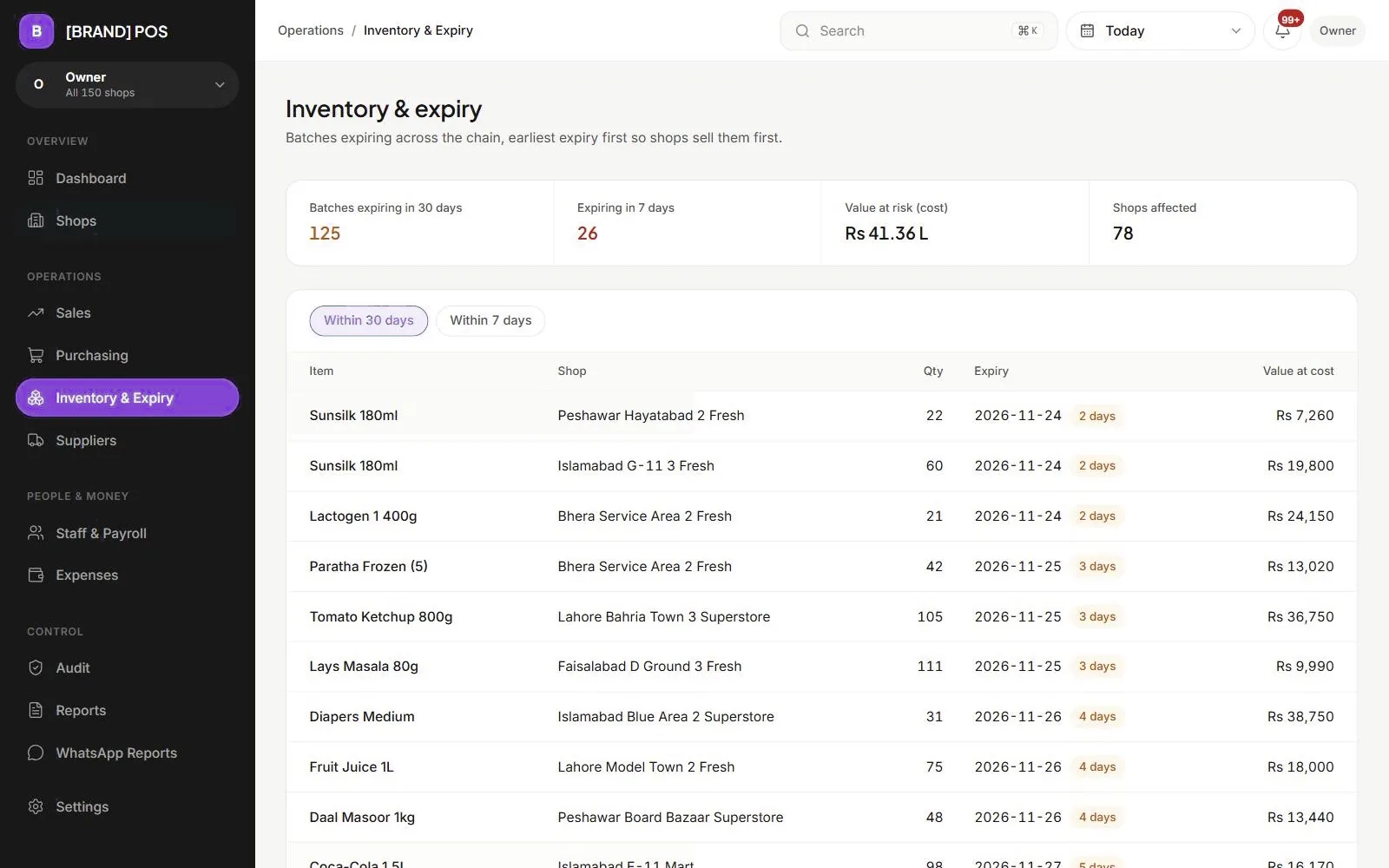
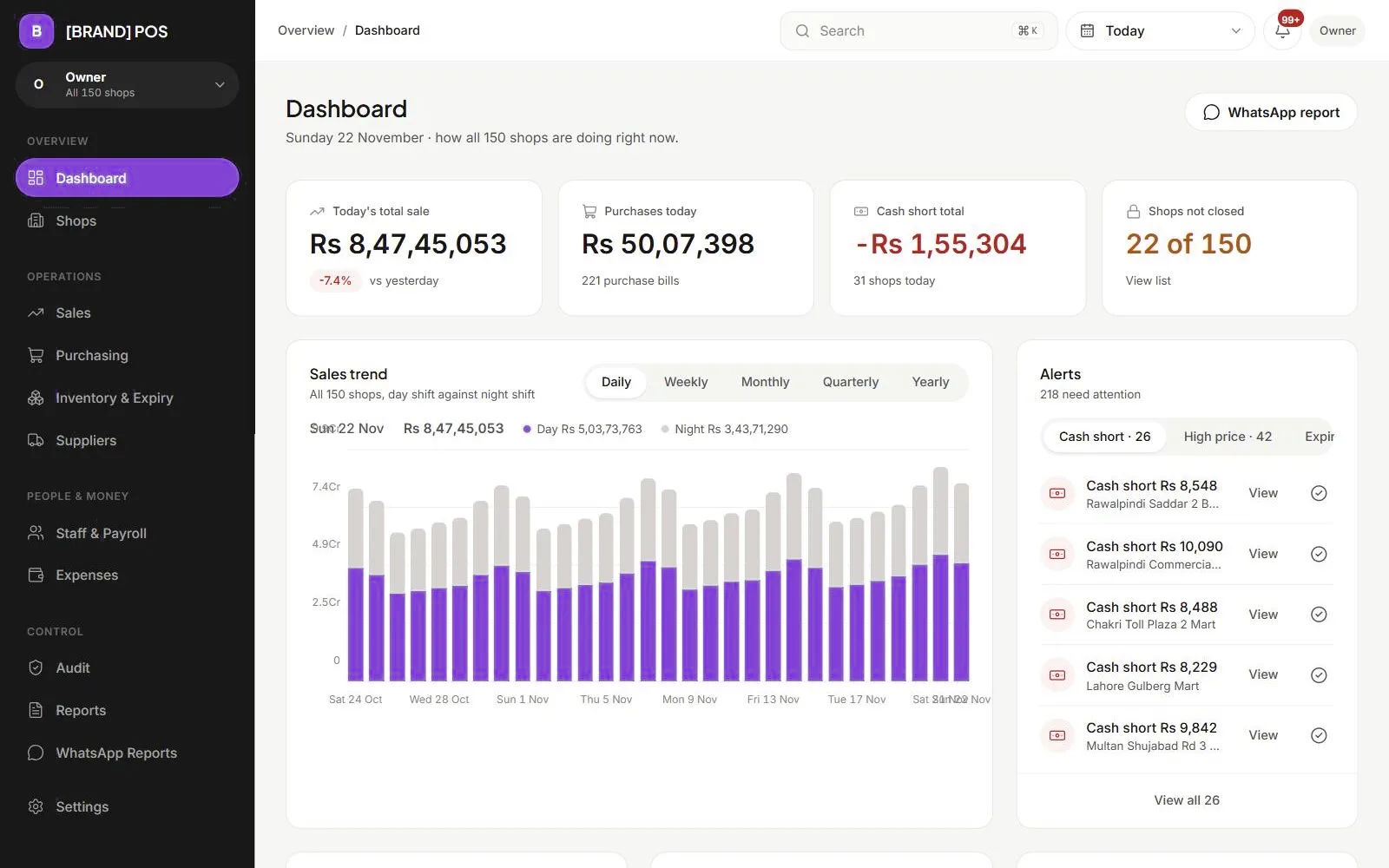
Step 1/4
Open the shift
The cashier logs in and enters the opening cash. Everything after that is on their name.
PIN login
Opening cash entry
Shift timer
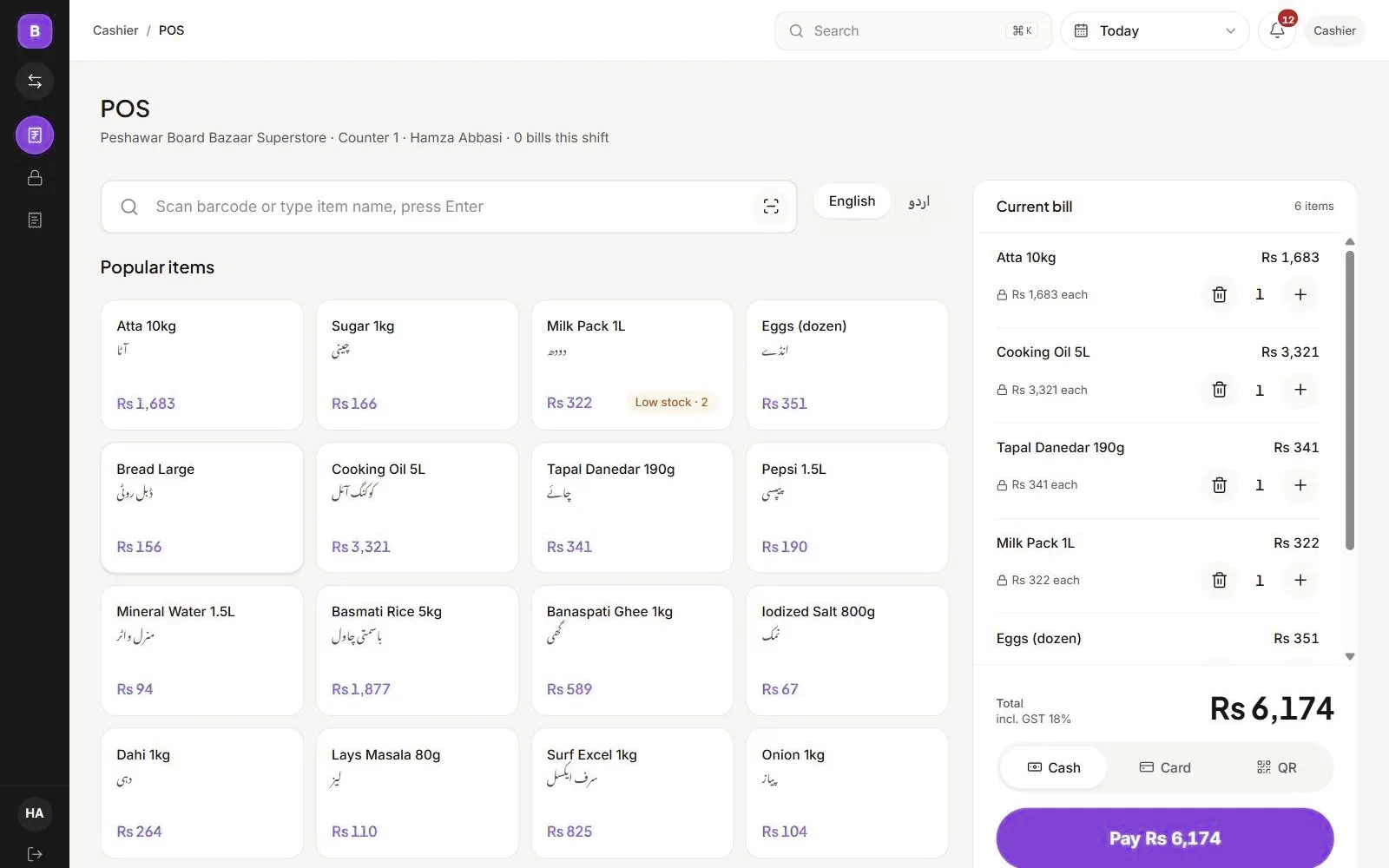
Step 2/4
Count at the end
Count notes by denomination. The system shows expected cash and the difference.
Denomination count
Expected vs counted
Difference reason
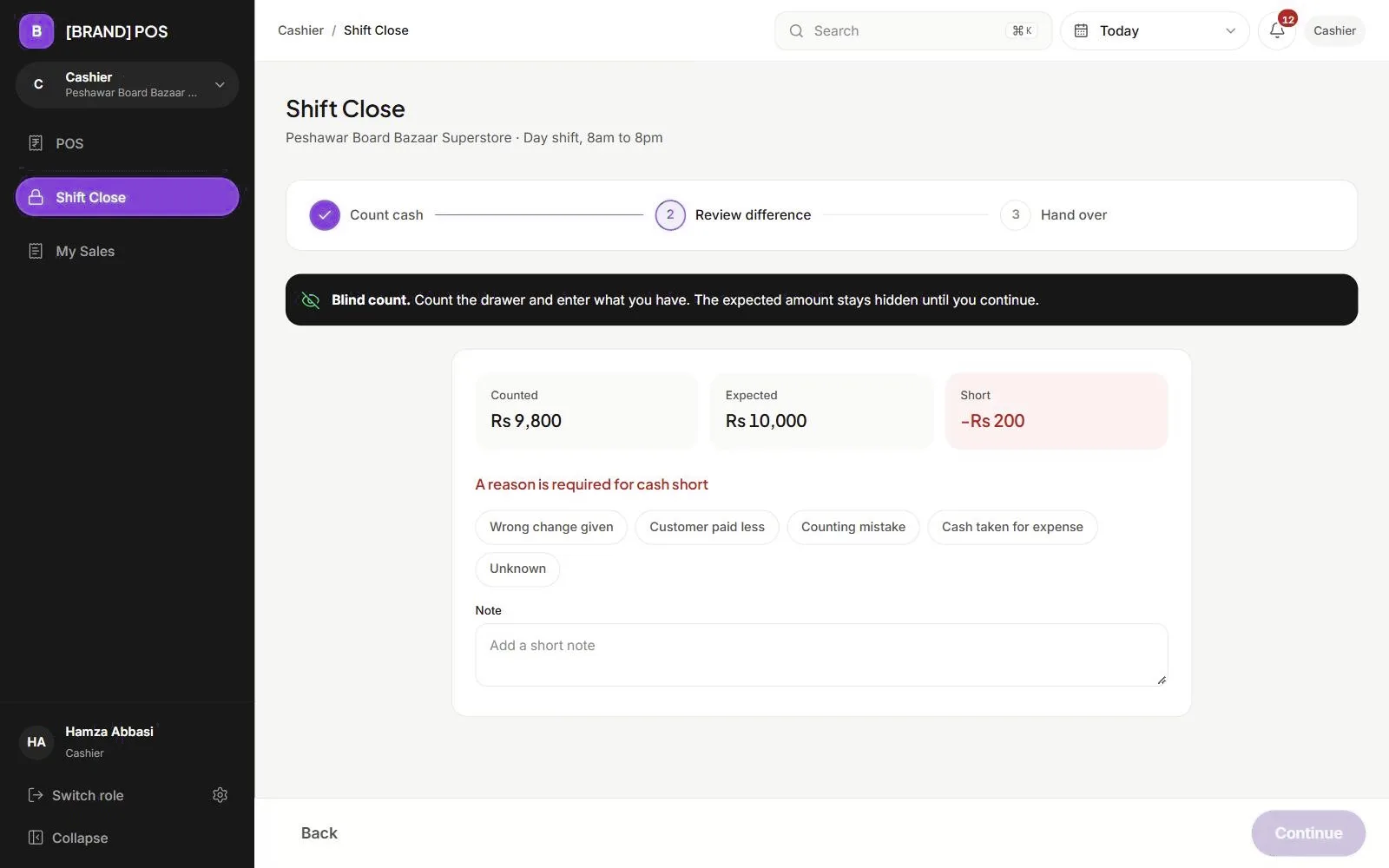
Step 3/4
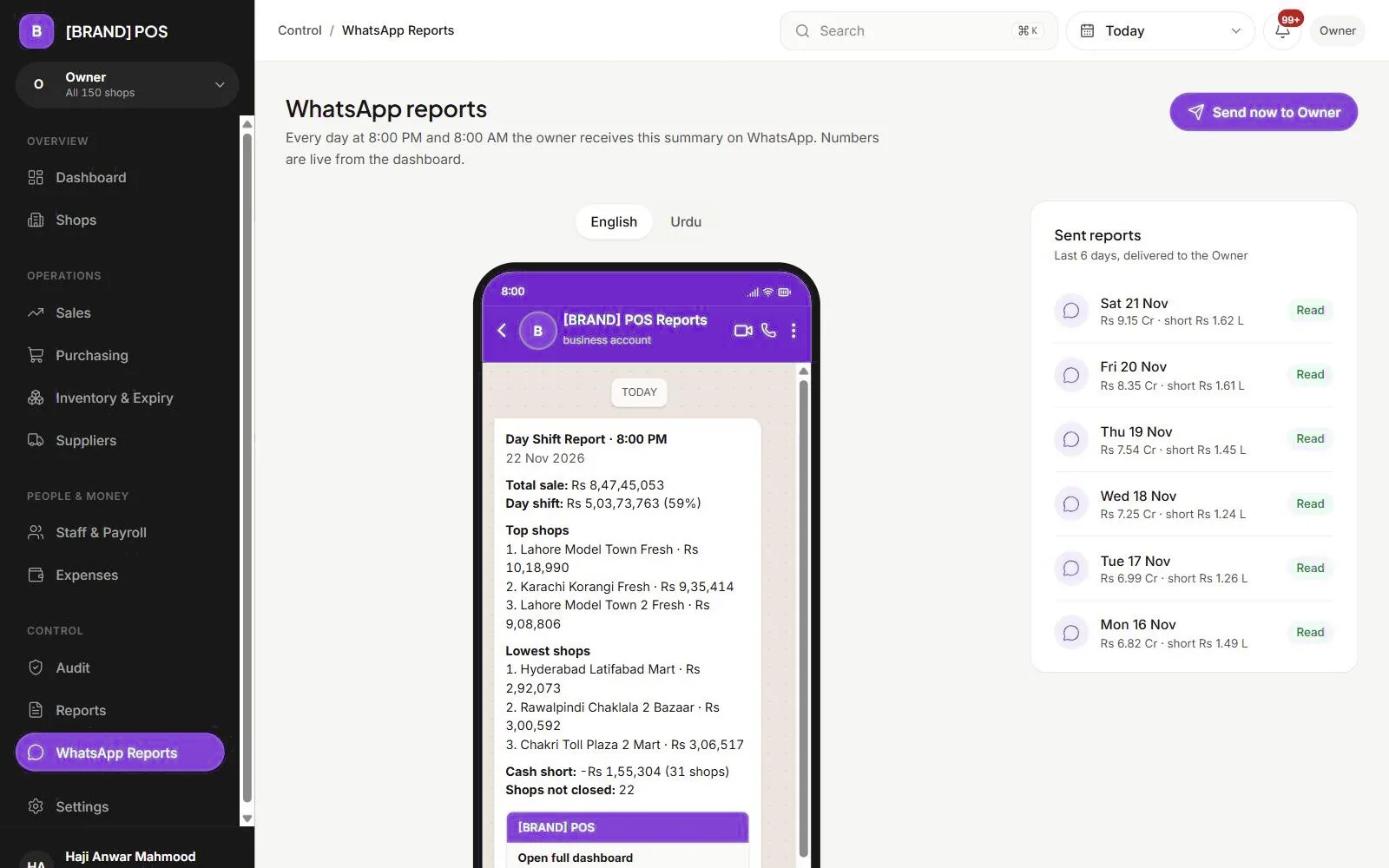
Closing report sent
The shift report goes to the manager and head office automatically.
Auto-sent report
WhatsApp copy
Printed summary
Step 4/4
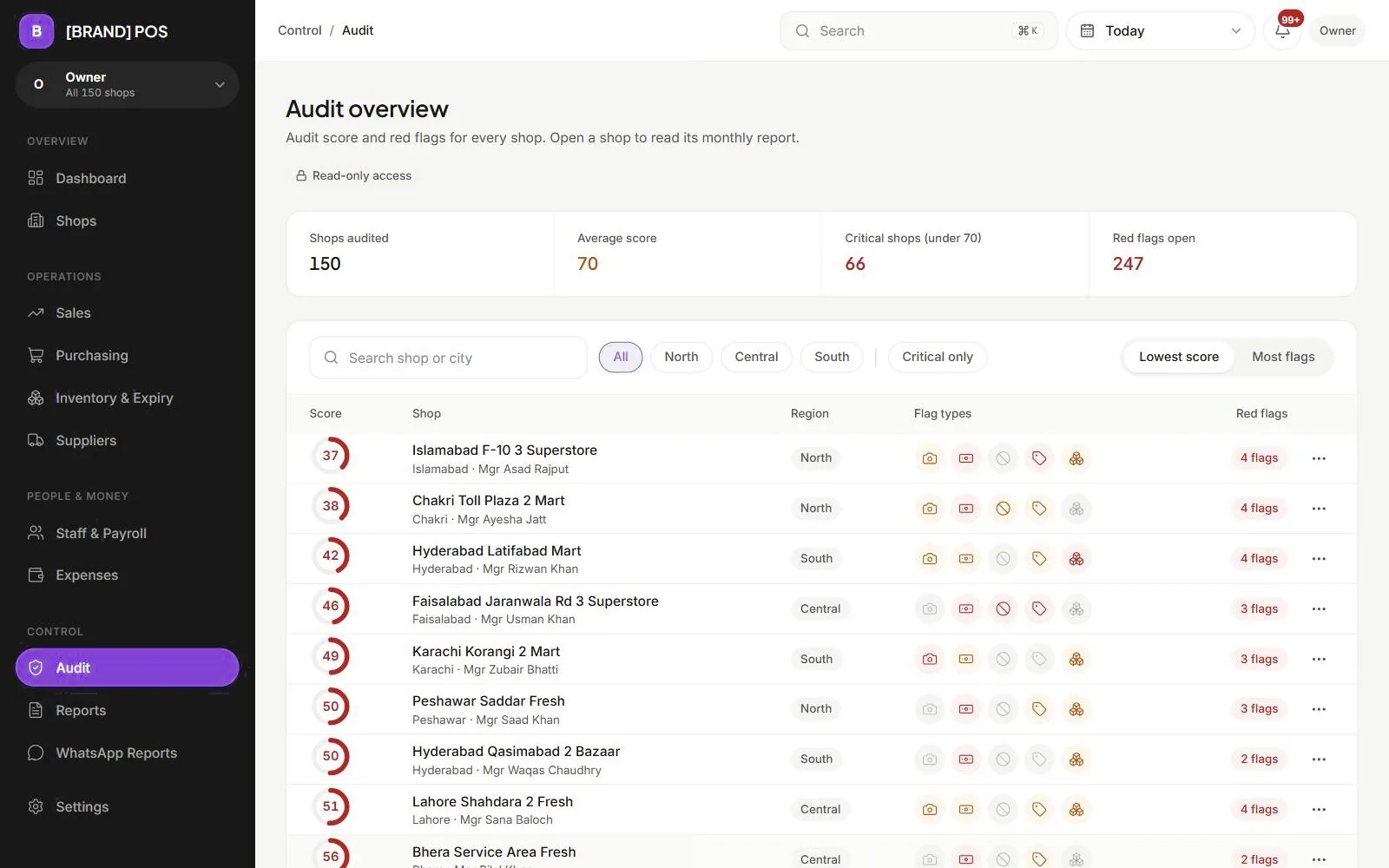
Patterns over time
Repeated differences for a cashier or shop are flagged for the auditor.
Difference history
Auditor alerts
Shop comparison
Contact Us
Ready to simplify your business?
Let’s Talk
MOTORWAY MARTGREEN VALLEY STORESCITY CASH & CARRYAL-NOOR GROCERSHIGHWAY FRESHSHAHEEN SUPER STOREDAILY NEEDSKHYBER MARTMOTORWAY MARTGREEN VALLEY STORESCITY CASH & CARRYAL-NOOR GROCERSHIGHWAY FRESHSHAHEEN SUPER STOREDAILY NEEDSKHYBER MART